Table of Contents
- What are meeting room displays with occupancy sensors?
- Why displays and sensors should be evaluated together
- IT checklist for room booking display sensor setups
- Facilities checklist for sensor-ready meeting rooms
- Workplace checklist for better room usage
- Questions to ask vendors before buying
- Why gateway-free sensor architecture matters
- Where GOGET One fits
- Final thoughts
Meeting room booking is easier to manage when the display outside the room and the sensor inside the room work as one system. The display helps employees see availability and interact with the booking system. Occupancy sensors add a real-world signal about whether the room appears to be in use.
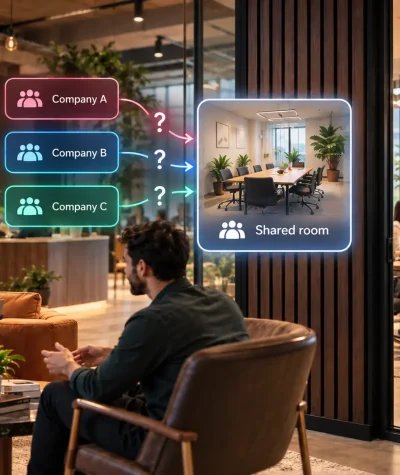
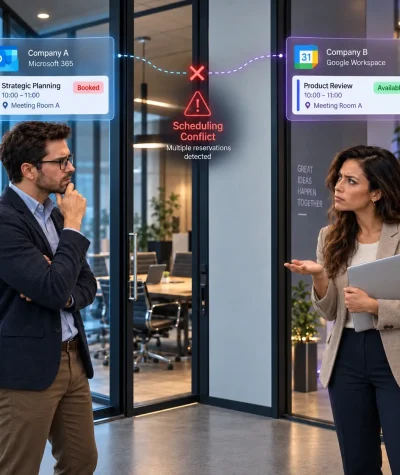
For IT, facilities, and workplace teams, this matters because calendar data does not always reflect actual room usage. People book rooms and do not show up. Meetings end early. Employees walk into available rooms without booking them. Over time, this creates confusion, unused space, and unreliable utilization data.
This buyer’s checklist explains how to evaluate meeting room displays with presence detection sensors, what questions to ask vendors, and how an integrated setup can reduce sensor infrastructure complexity by avoiding separate IoT gateways.
What are meeting room displays with occupancy sensors?
They combine two parts of the room booking experience:
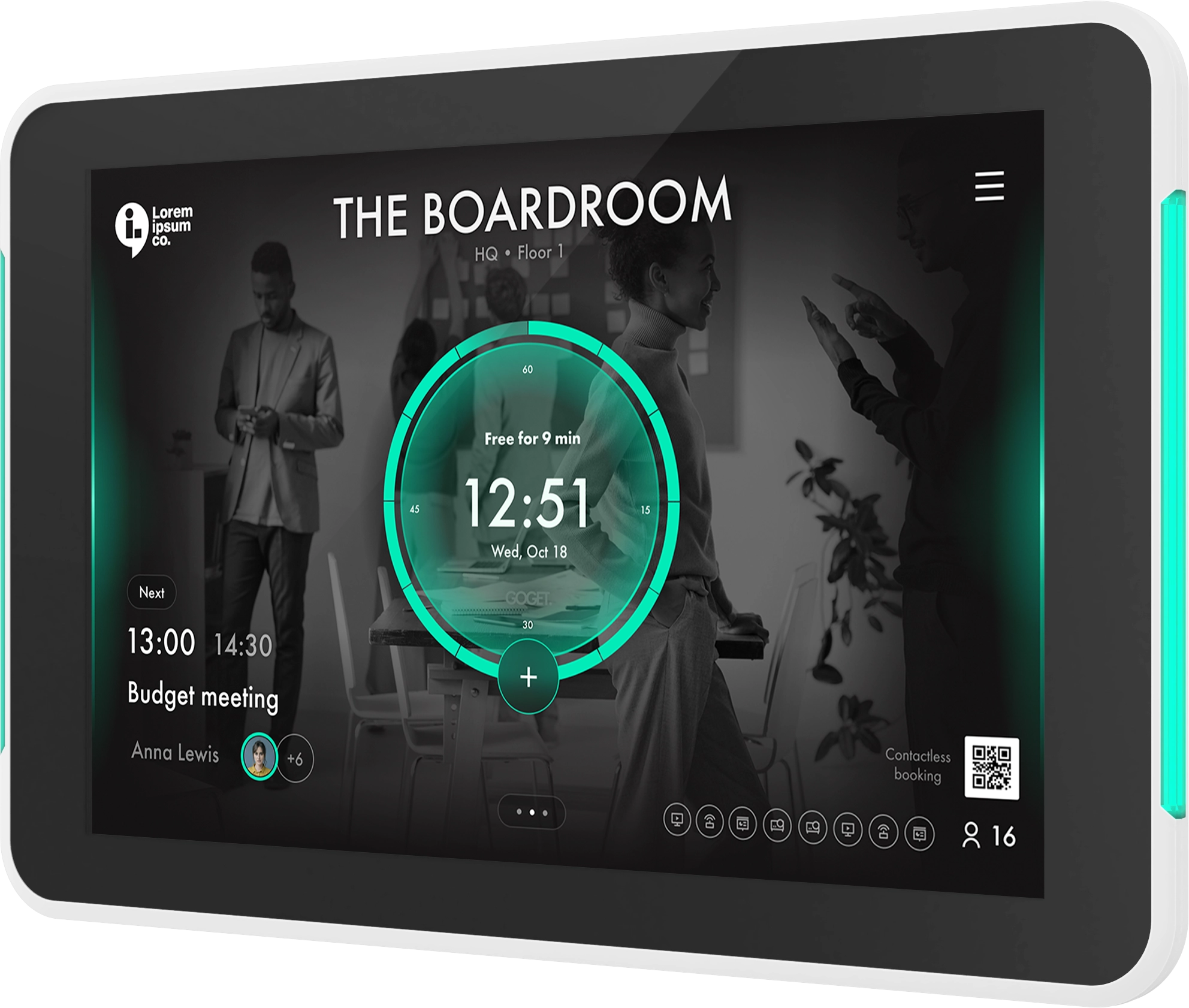
- A meeting room display outside the room that shows availability, schedules, check-in options, and booking actions.
- A room occupancy sensor inside the room that detects presence or movement and sends a room-use signal to the booking system.
Together, they help connect scheduled bookings with what is happening in the physical room.
This is useful because a calendar can show that a room is booked even when no one actually arrived. A sensor can add context by helping the system understand whether the room appears occupied. When configured correctly, this can support workflows such as assisted check-in, no-show release, vacancy release, and more accurate room utilization insights.
The important buying question is not only whether a product supports sensors. It is also how much extra infrastructure you need to make those sensors work.
For more background on the sensor side of the setup, read our guide: What Is a Meeting Room Occupancy Sensor?
Why displays and sensors should be evaluated together
Many organizations evaluate room displays first and sensors later. That can work, but it often creates unnecessary complexity.
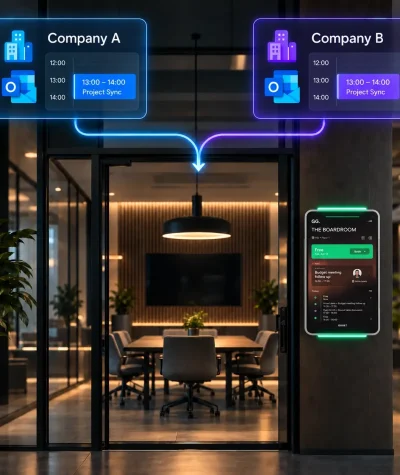
A room booking display and an occupancy sensor are closely connected in practice. The display is the employee-facing touchpoint. The sensor is the room-presence input. The admin portal defines the rules, such as when a booking should be confirmed, released, or reported.
When these pieces are bought separately, teams may need to manage:
- Separate sensor gateways
- Additional IoT software
- Third-party device platforms
- Extra network requirements
- Separate installation workflows
- More vendor coordination
- More troubleshooting responsibility
For decision-stage buyers, this can affect both cost and complexity. A solution that looks simple in a product demo can become harder to deploy if every room needs additional gateway hardware, IoT software, and separate sensor management.
That is why a room booking display sensor setup should be evaluated as one workflow. The display, sensor, admin tools, calendar integration, and automation rules should all work together.
GOGET’s approach is designed to reduce this complexity. GOGET Room Sensors communicate directly with an assigned GOGET One using BLE. This means the setup does not require separate gateways, hubs, extra servers, extra wiring, programming, or third-party services.
IT checklist for room booking display sensor setups
IT teams should evaluate meeting room schedule displays with presence detection sensors as part of the wider workplace technology environment, not as a standalone screen purchase.
1. Network and connectivity
Start by asking how the display connects to the network and how the sensor communicates with the system.
Key questions include:
- Does the room display support Ethernet and Wi-Fi?
- Is PoE supported for cleaner installation?
- Does the sensor communicate directly with the display?
- Does the sensor require a separate gateway or hub?
- Are firewall rules, VLANs, or enterprise Wi-Fi requirements clearly documented?
- Can devices be monitored remotely?
GOGET One is purpose-built meeting room display hardware with support for Ethernet, Wi-Fi, Bluetooth Low Energy, PoE+, and remote device management through the GOGET Dashboard.
2. Sensor architecture
The sensor architecture is one of the most important buying criteria. Some occupancy sensor deployments require separate gateways, IoT hubs, or third-party software platforms. That may be suitable for broader smart-building projects, but it can be unnecessary for many meeting room booking use cases.
Ask vendors:
- Does each sensor need a gateway?
- Is gateway hardware included or sold separately?
- Who installs and manages the gateway?
- Does the gateway need network access?
- Is there a separate sensor cloud service?
- Can the room display act as the connection point?
For many buyers, the easier path is to choose a meeting room display and sensor architecture that is already designed to work together. This reduces the number of moving parts and makes procurement, installation, and support easier to understand.
3. Device management and admin controls
The full setup should be manageable at scale. This becomes especially important when a company has multiple floors, offices, or room types.
IT teams should check whether admins can:
- Monitor room display status
- Manage display settings remotely
- View sensor health
- View sensor battery levels
- Apply configuration profiles
- Control room-specific automation rules
- Troubleshoot devices centrally
With GOGET, sensor behavior, automation, and telemetry are managed in the admin environment. This includes sensor health monitoring, battery levels, and configuration per device and workspace.
For a broader hardware evaluation, see our guide: How to Choose Room Schedule Display Hardware.
Facilities checklist for sensor-ready meeting rooms
Facilities teams care about whether the setup works in the physical room. Even good software can perform poorly if the display is hard to see, the sensor is placed incorrectly, or maintenance is unclear.
1. Display placement and installation
A meeting room schedule display should be easy to read and interact with from the corridor. Facilities teams should evaluate:
- Wall or glass mounting options
- Landscape and portrait orientation
- Cable routing
- Visibility from common approach angles
- Whether status lights are visible from the side
- Clean installation standards for visitor-facing areas
GOGET One is designed as professional room display hardware with integrated mounting, signature LED light bars, PoE+ as standard, AC power as an option, and support for landscape and portrait orientation.
2. Sensor placement
Room sensors need thoughtful placement. A PIR sensor detects presence or movement, but it does not count people or identify individuals. That makes it a practical fit for many room booking workflows, but placement still matters.
Facilities teams should consider:
- Room size and seating layout
- Glass walls and corridor movement
- Heat sources, sunlight, and HVAC airflow
- Whether people may sit still for long periods
- Whether one sensor covers the intended area
- Whether the sensor should be wall-mounted or ceiling-mounted
- How easy it is to access the sensor for battery replacement
GOGET’s occupancy sensor is a PIR presence sensor with BLE communication, a presence detection range of up to 5 meters, and an indoor communication range of up to 20 meters. It is battery-powered and wire-free, which can make installation easier in many meeting room environments.
3. Maintenance and battery replacement
Battery-powered sensors can simplify installation because facilities teams do not need to run new cabling to every sensor. However, the maintenance process should still be clear.
Ask vendors:
- How are low battery levels reported?
- Can admins see battery status remotely?
- What is the expected battery replacement process?
- Are batteries standard and replaceable?
- Are sensor holders and adhesive accessories included?
- Can settings be adjusted after installation?
A good buyer-stage evaluation should include the full lifecycle, not only the initial installation.
Workplace checklist for better room usage
Workplace and operations teams usually care most about whether the system improves the employee experience and makes room usage easier to understand.
1. No-show and check-in rules
A room booking system should help reduce the gap between booked rooms and usable rooms. Presence detection sensors can support that when they are connected to clear rules.
Ask:
- Can the system release unused rooms after a no-show window?
- Can presence help confirm that a scheduled meeting is taking place?
- Can a room be freed if a meeting ends early?
- Can employees still book directly at the display?
- Are rules configurable by room, location, or workspace?
GOGET Room Display X supports room check-ins and automatic no-show release. GOGET room sensor automation scenarios include auto booking, assisted check-in, and vacancy release when configured for those workflows.
For more on unused bookings, read: What Are Ghost Meetings and How Can Workplaces Reduce Them?
2. Employee experience
Employees should not need to understand sensor infrastructure. They only need the room booking experience to feel clear and reliable.
A strong setup should help employees:
- See whether a room is available at a glance
- Book a free room from the display
- Check in quickly
- Find nearby available rooms
- Trust that unused bookings can be released
- Avoid walking between rooms looking for space
This is where meeting room schedule displays with occupancy sensors become practical. The display gives people a visible booking interface, while the sensor helps the system respond to actual room presence.
3. Analytics and planning
Calendar bookings are useful, but they do not always show how rooms are actually used. A sensor signal can help workplace teams understand the difference between reserved space and occupied space.
This can support questions such as:
- Which rooms are frequently booked but not used?
- Which spaces are released early?
- Are certain floors or areas underused?
- Do booking policies need adjustment?
- Should the office layout change based on actual usage patterns?
GOGET positions room sensors as a way to support real-time presence insight, better visibility into actual room usage, and more accurate workplace analytics.
Questions to ask vendors before buying
Before selecting their hardware setup, buyers should ask direct questions about architecture, workflows, and operational ownership.
Sensor and gateway questions
- Does the sensor need a separate gateway?
- Does the gateway require network access?
- Is gateway hardware included in the price?
- Does the sensor require third-party software?
- Is the sensor managed in the same admin portal as the room display?
- Can admins monitor sensor health and battery levels?
- Can the display act as the local connection point for the sensor?
Workflow questions
- Can the system support no-show release?
- Can occupancy confirm attendance for scheduled meetings?
- Can rooms be released automatically when meetings end early?
- Can people book directly from the room display?
- Can admins configure different rules for different rooms?
- Can sensor data support analytics and space planning?
IT and security questions
- What network access does the display require?
- What network access does the sensor require?
- Does the sensor transmit personal data?
- Does the sensor use a camera, microphone, or people-counting technology?
- How are devices updated and managed?
- What happens if a sensor disconnects?
- What troubleshooting tools are available?
Procurement questions
- Are displays, sensors, software, and management tools sold together or separately?
- Are sensors included only in selected plans or packages?
- Are additional sensors available when needed?
- What services are required for setup?
- Are support and replacement processes clear?
- What costs may appear later, such as gateways, licenses, or third-party platforms?
These questions help buyers avoid surprise complexity after purchase.
Why gateway-free sensor architecture matters
For many organizations, the strongest reason to choose an integrated display-and-sensor model is simplicity.
A gateway-based sensor architecture can be useful in some smart-building environments, especially when the organization already has a broader IoT infrastructure strategy. But for meeting room booking, gateways can add friction:
- More hardware to buy
- More hardware to install
- More network planning
- More vendor dependencies
- More troubleshooting paths
- More uncertainty about who owns support
A gateway-free model can make the purchase easier to approve because the solution is more understandable. The meeting room display is already part of the room booking deployment. If the occupancy sensor can communicate directly with that display, the sensor becomes an extension of the room booking system rather than a separate IoT project.
This is the key buying advantage of GOGET’s approach. GOGET Room Sensors are designed to connect directly to GOGET One via BLE, helping reduce the need for separate gateway infrastructure.
For a deeper architecture comparison, read: Gateway or No Gateway? How to Evaluate Room Occupancy Sensor Architecture.
Where GOGET One fits
GOGET One is GOGET’s purpose-built professional meeting room display hardware. It is designed to work with GOGET’s room booking software and broader workspace platform, including room booking, room sensors, interactive maps, space management, and workplace insights.
For organizations evaluating meeting room schedule displays with presence detection sensors, GOGET One is relevant because it combines several buying criteria in one ecosystem:
- Purpose-built room display hardware
- Room Display X software
- Microsoft 365 and Google Workspace calendar support
- Room check-in and automatic no-show release
- Direct booking at the display
- Nearby-room management and map views
- Central administration
- BLE-based room sensor connection
- Sensor telemetry and battery visibility in the admin environment
- No separate gateways for GOGET Room Sensors
This makes GOGET especially relevant for buyers who want the value of occupancy sensing without building a separate sensor network around every meeting room.
A practical way to evaluate GOGET is to look at the room as one workflow:
- The employee sees room status on GOGET One.
- The calendar provides the scheduled booking state.
- The occupancy sensor adds a room-presence signal.
- Admins define the rules for check-in, release, and automation.
- Workplace teams use the data to understand room usage more clearly.
The result is a more connected meeting room booking setup with fewer infrastructure layers to manage.
Final thoughts
Buying meeting room displays and occupancy sensors separately can create more complexity than expected. The display, sensor, room booking software, admin portal, and automation rules all need to work together for the setup to deliver value.
That is why buyers should evaluate the full architecture, not only the hardware list. The best solution is usually the one that improves room availability, supports employees at the door, gives admins clear controls, and avoids unnecessary infrastructure.
For organizations that want a simpler path, GOGET One and GOGET Room Sensors offer an integrated approach: a professional room booking display paired with BLE-based sensors that connect directly to the display without separate gateways or third-party sensor systems.