Elevate your meeting room booking

Room
Display


X

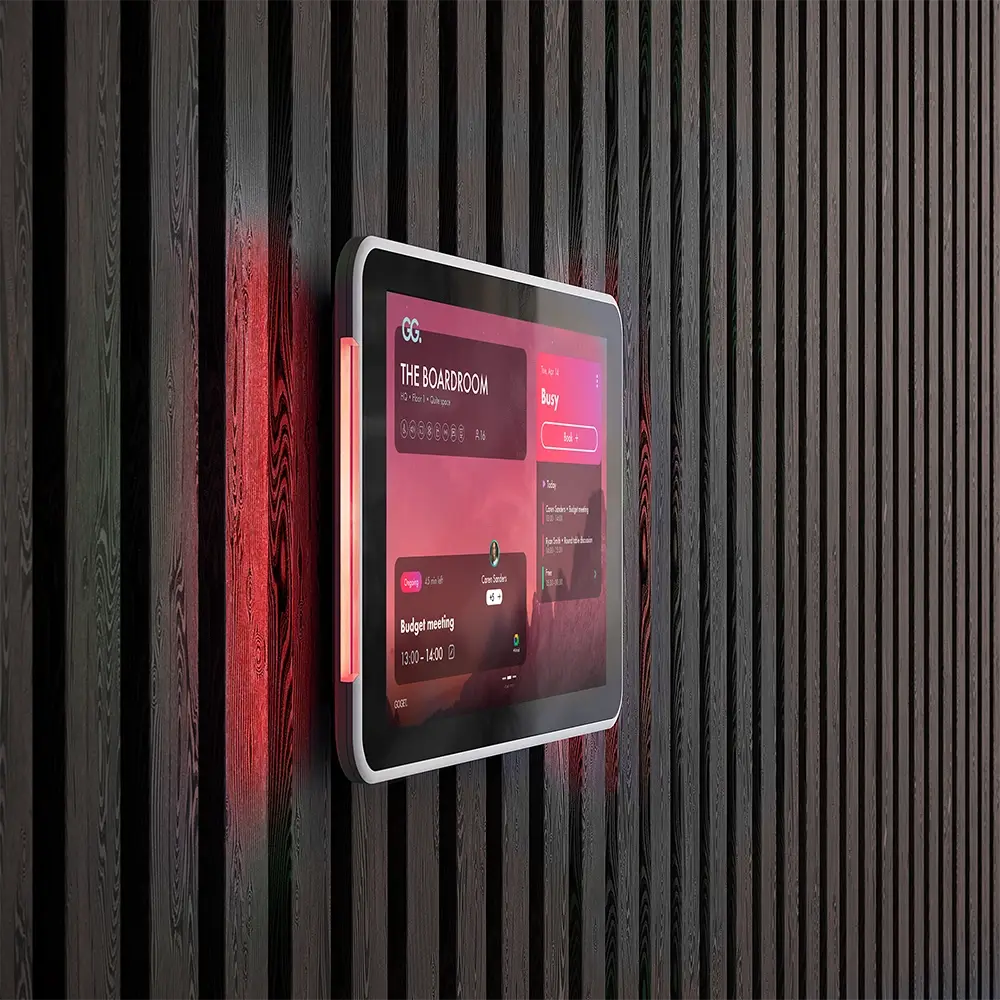
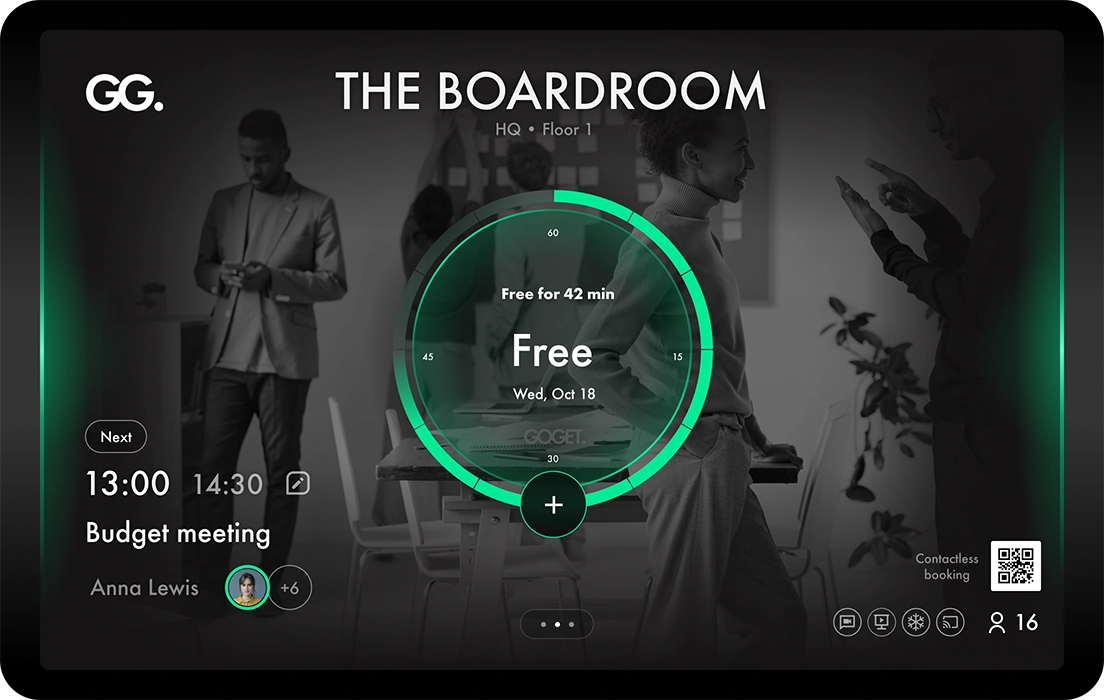
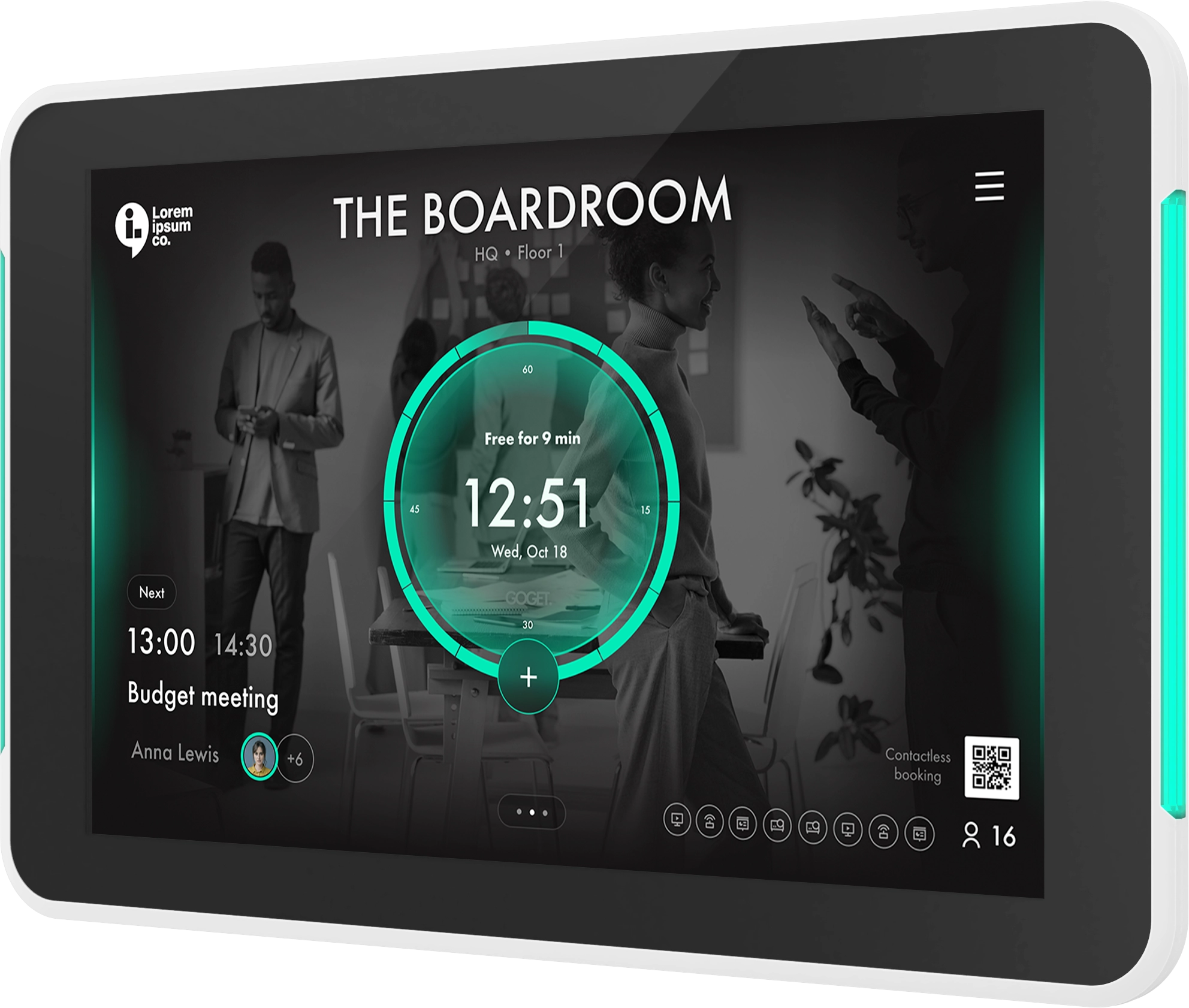
Room Display X is a powerful meeting room display software designed to run on room booking panels outside meeting spaces, seamlessly synchronizing with your company’s Microsoft 365 or Google Workspace room calendars. Built for the modern workplace and optimized for the purpose-built Goget One display — a top-spec enterprise-grade panel at a highly competitive price. Consider Goget when choosing your next room booking system.

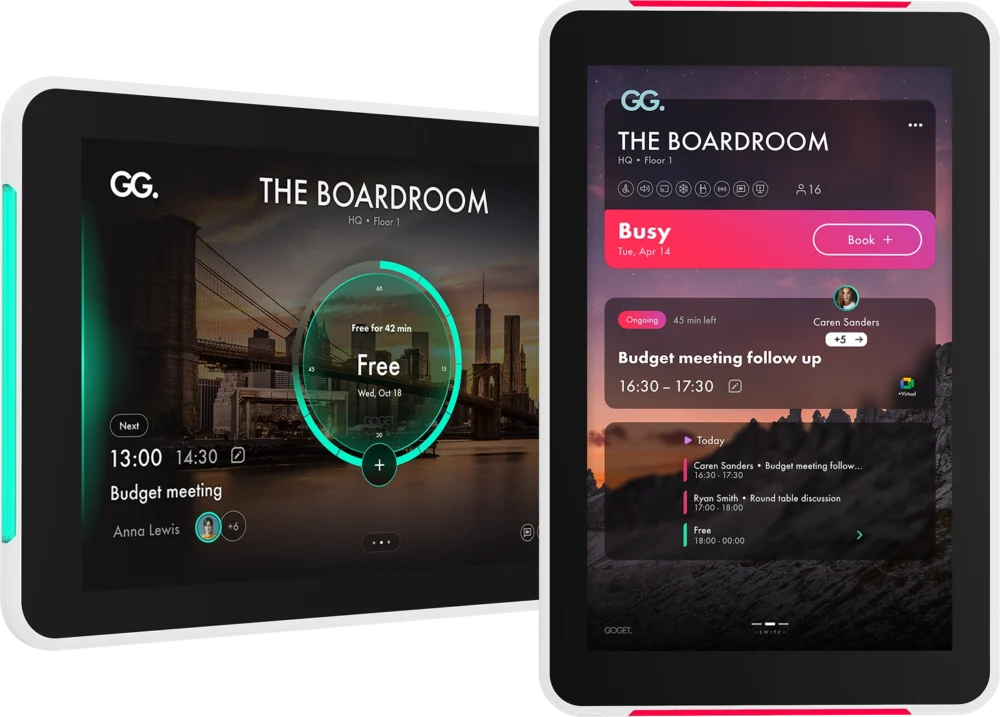
Portrait/Landscape modes
UI Themes & Branding

Our Hallmark:
Effortless with charachter

At Goget, effortless user experience is at the core of everything we build. Room Display X is designed to be intuitive, easy to manage, and simple to deploy — minimizing complexity for both users and administrators alike.

But simplicity alone is not enough. In a market where “easy to use” has become an overused and often watered-down concept, we believe workplace technology should also feel distinctive, engaging, and memorable. That’s why we design systems that challenge convention just enough to spark attention, create interaction, and bring character into the workspace experience — because that’s often where meaningful change begins.

Available now in Room Display X

Automate meeting room booking

— with occupancy sensors

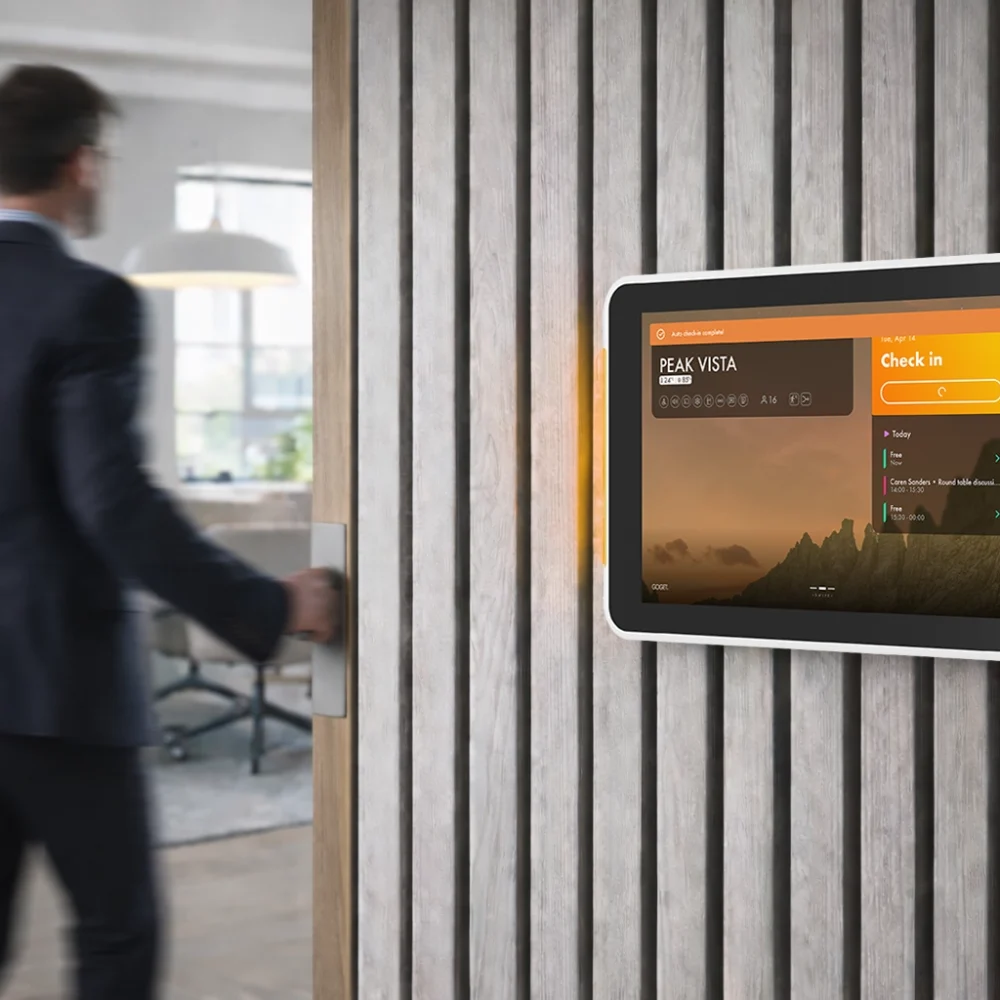
Room Display X supports full sensor-driven automation through directly connected occupancy sensors, enabling intelligent auto-booking, automatic check-in, and room release based on real-time presence detection — helping optimize workspace usage with minimal user interaction.

Unlock better flow, higher utilization, and smarter, data-driven decisions — taking Goget’s industry-leading workplace insights to the next level with real-time presence data.

Sensor Holder Pir

What room automation can do:

GG Conf Room Auto Booked Final
AUTO BOOK
Walk into a free room and Room Display X can automatically book it upon detected presence. Highly configurable and intelligently designed to handle complex real-world scenarios, including scheduling logic around upcoming meetings and workspace availability.
GG Conf Room Auto Checkin Final
AUTO CHECK-IN
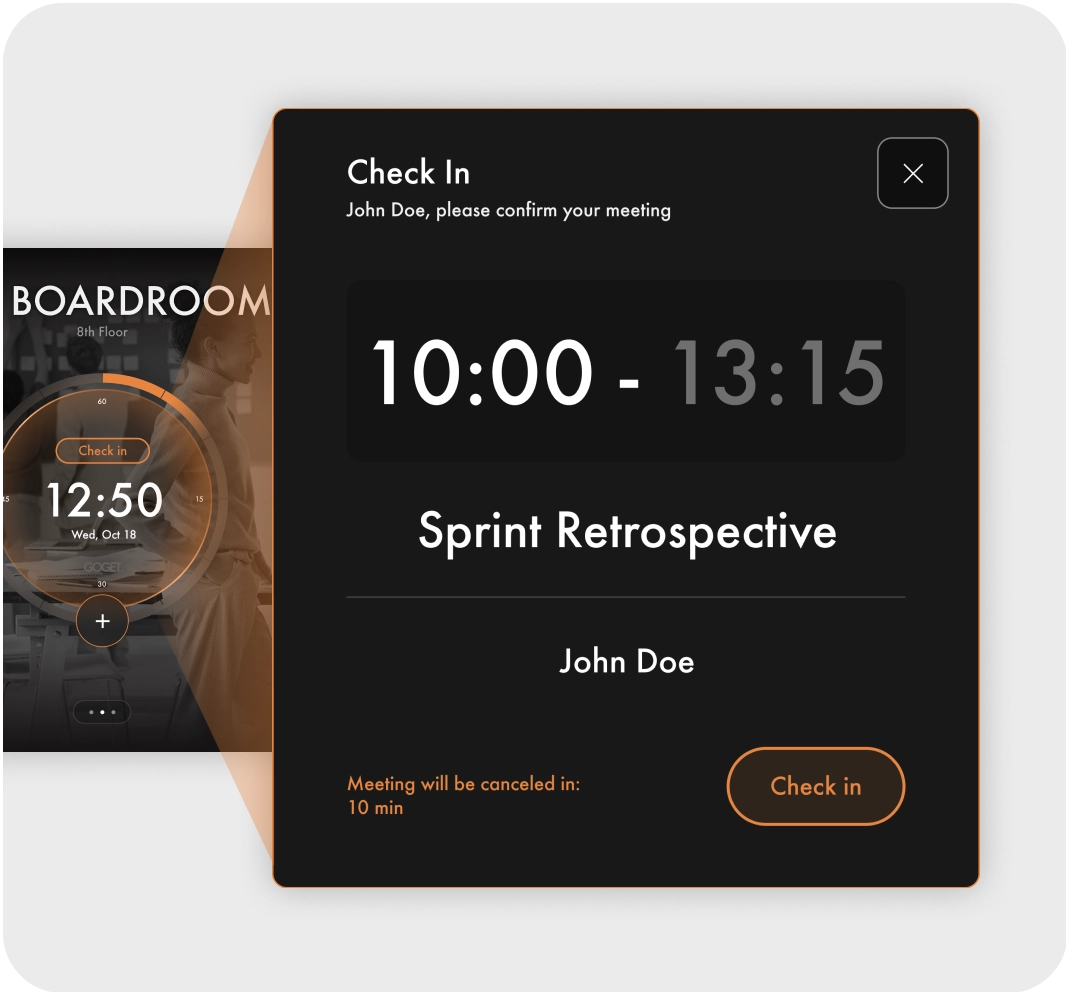
If the room is in check-in mode, occupancy detection automatically confirms attendance through detected presence as soon as the meeting starts.
GG Conf Room Auto Booked Free Final
AUTO RELEASE
Meeting finished early? Room Display X can automatically release the room based on real-time occupancy detection. Highly configurable and powered by intelligent algorithms, the system handles real-world scenarios with customizable vacancy thresholds and smart release logic

Configure

Fine-tune room automation remotely for each room through the Admin Dashboard.

Presets - room type

Choose from ready-made profiles with recommended automation settings and parameters tailored for different room types

Trigger Sensitivity

Control how carefully the system evaluates motion patterns before triggering automatic room booking, helping reduce unintended bookings.

Auto-release delay

Define how long a room must remain inactive before the meeting is automatically released.

Vacancy cool-down

Define how long the system should wait after an automatic room release before allowing a new automated booking, helping prevent rapid unintended re-bookings.

Auto-booking duration

Define the meeting length when motion triggers an automatic booking. Duration may be shorter if the room is booked soon after..

Pioneering meeting room booking

Best-in-class
Room Display X

Room Display X is a best-in-class room booking software refined over more than five years of continuous development and rolled out in thousands of rooms and organizations worldwide — redefining how modern organizations manage meeting spaces. With industry-leading capabilities, elegant design, and a purpose-built approach to workspace flow, Room Display X stands out from traditional room booking solutions and continues to push workspace management forward.

The benefits of using Room Display X

GoGet's workspace platform can be integrated with Office 365, Google Workspaces, Teams, Exchange and Outlook.

Powerful integrations

Syncs & integrates with room calendars in Google Workspace & Microsoft 365 so people can enjoy their normal routines when booking in Office 365, Outlook & Teams.
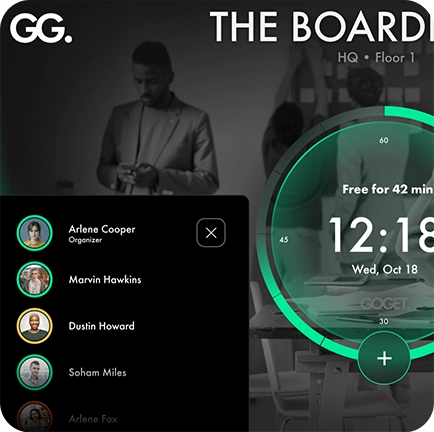
A meeting room display with a dynamic user interface where the user can see the meeting attendees.

Dynamic UI/UX

Designed with the admin in mind. Levering the latest and greatest in technology development in our relentless focus on ease of use, which translates into more time and money for other things.
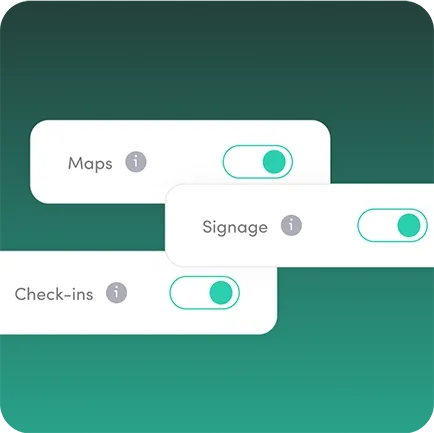
The easy to configure toggle switches of the maps, check-ins, and signage features in the admin dashboard.

Feature-packed

Software and hardware designed together, to ensure a great experience in all parts. Pushing the limits to what is possible.
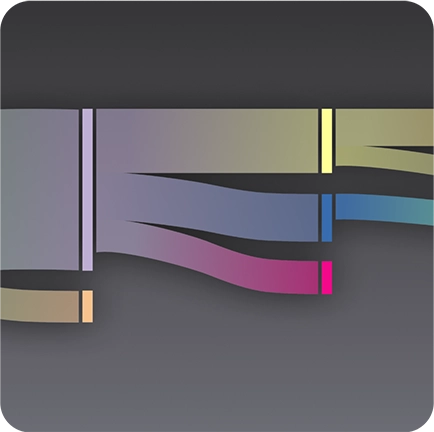
An interactive flowchart showing the bookings of meeting rooms and desks.

Elevated intelligence

Balancing emotion and rationale, our products appeal to your heart with their beauty while data confirms your choice. Our solutions help you right-size your office space and drive better performance.
Up-close with Room Display X

Easy to use

Advanced when you need

Experience enhanced productivity with Room Display X software’s intelligent features, designed to simplify your workday. Whether you need to optimize facility utilization or streamline your operations, Room Display X is the perfect tool for the job.
Employee experience

Power features

Unlike other brands that overpromise and underdeliver, GOGET does the opposite. Our software delivers on its promises and more, boasting several industry-first core features.

Require Check-ins

Automate to free-up unused spaces

Improve the efficiency of your meeting spaces by enabling reservation check-ins and automate no-shows cancellation, allowing others to book otherwise unused spaces. The system can even calculate how much time and cost has been recovered – we call this meeting recuperation.

Reporting

Report & resolve issues

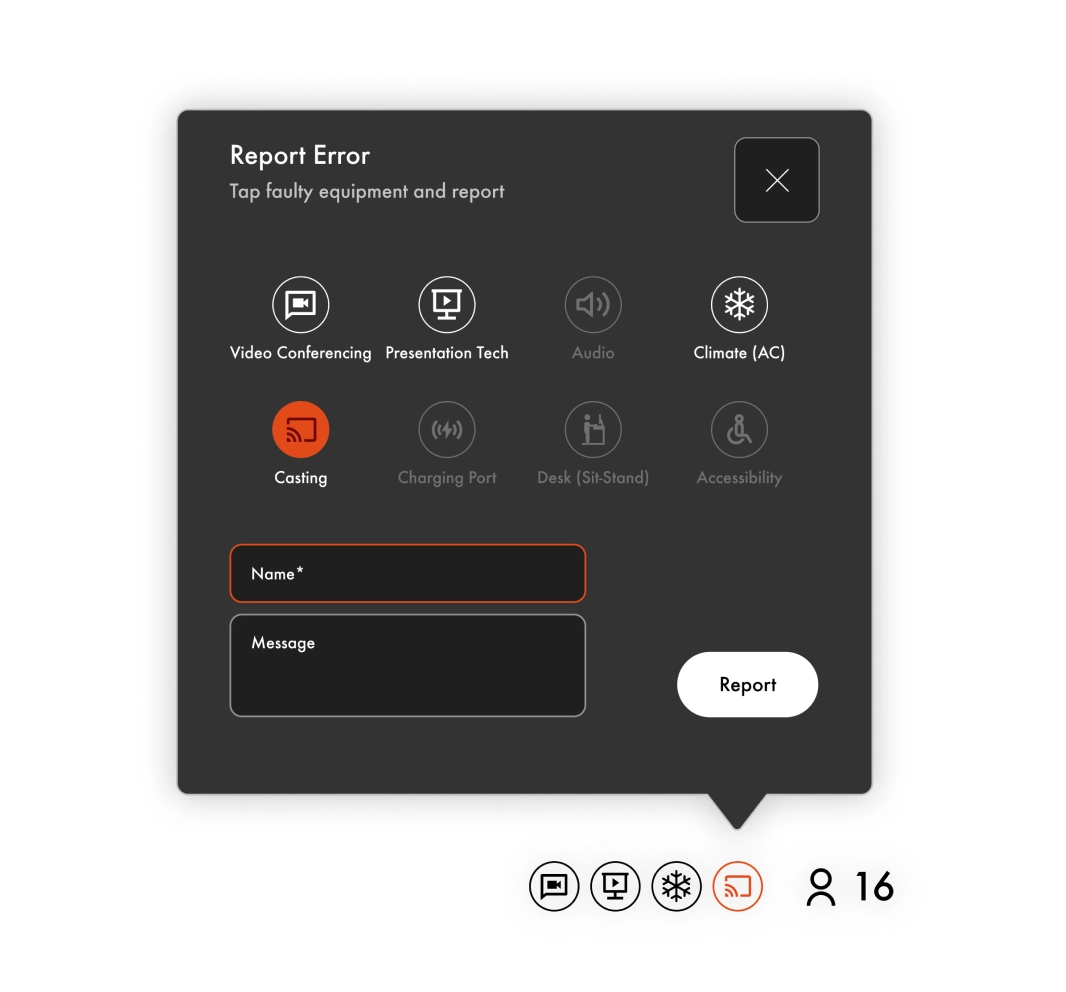
Report and resolve errors directly from the panel. Faulty equipment icons will be red until issues are resolved. Admins will receive status email reports with details incl room, reporter name and faulty equipment.

A personal touch

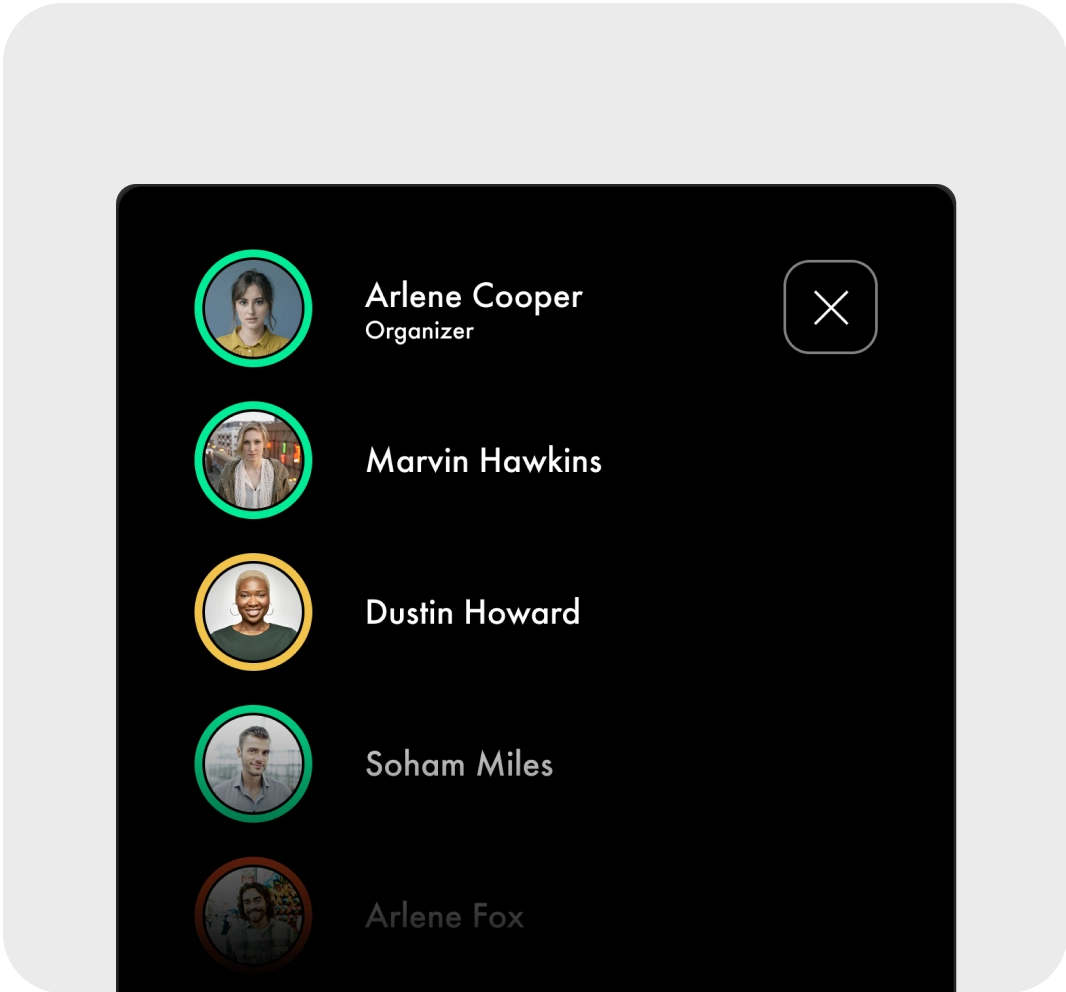
Avatars + response status

See who’s attending in real time. Room Display X’s advanced integrations will add a personal touch to your room panel – a subtle but important detail that makes a difference!

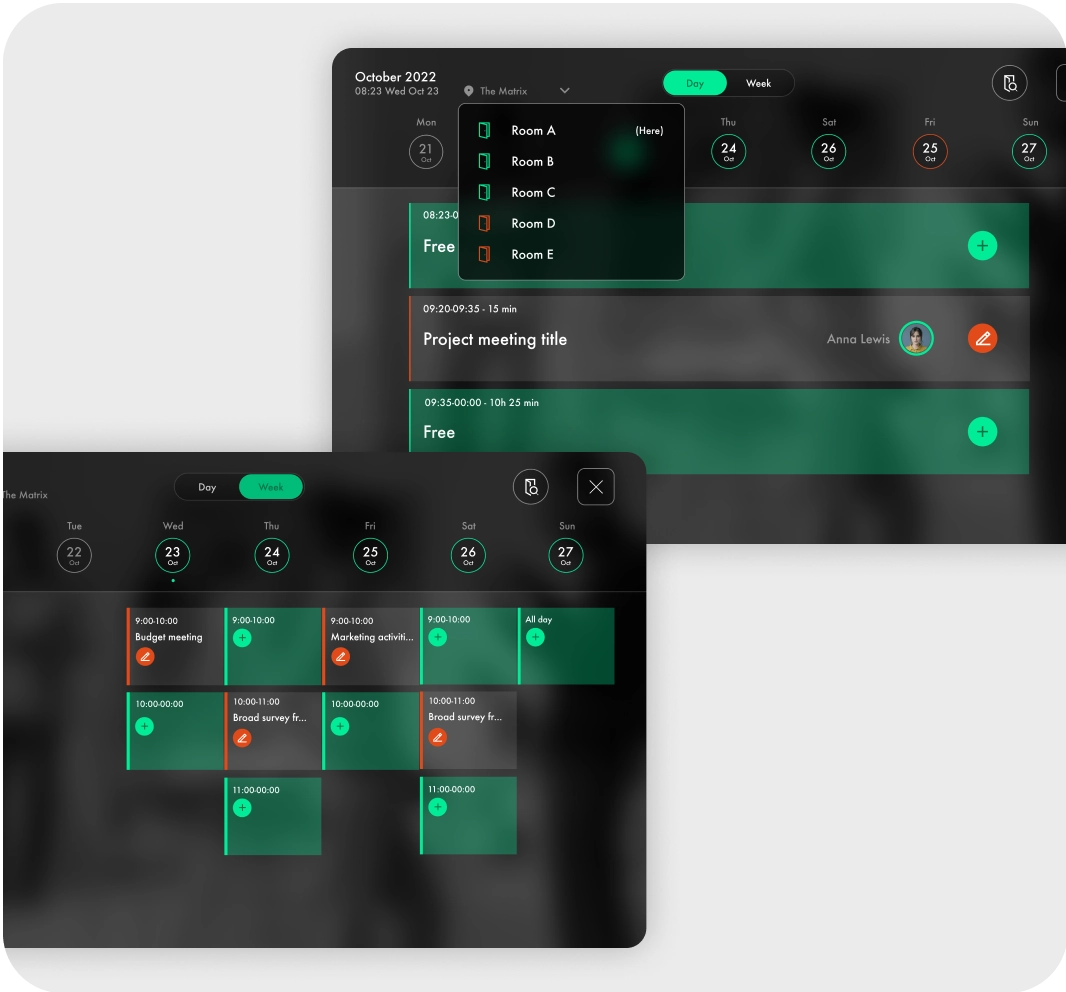
Week & day views

See weekly & daily schedules

Get a quick overview of room availability thanks to Room Display X’s unique week & day views. Scroll through weeks and book directly up to 4 weeks in advance.

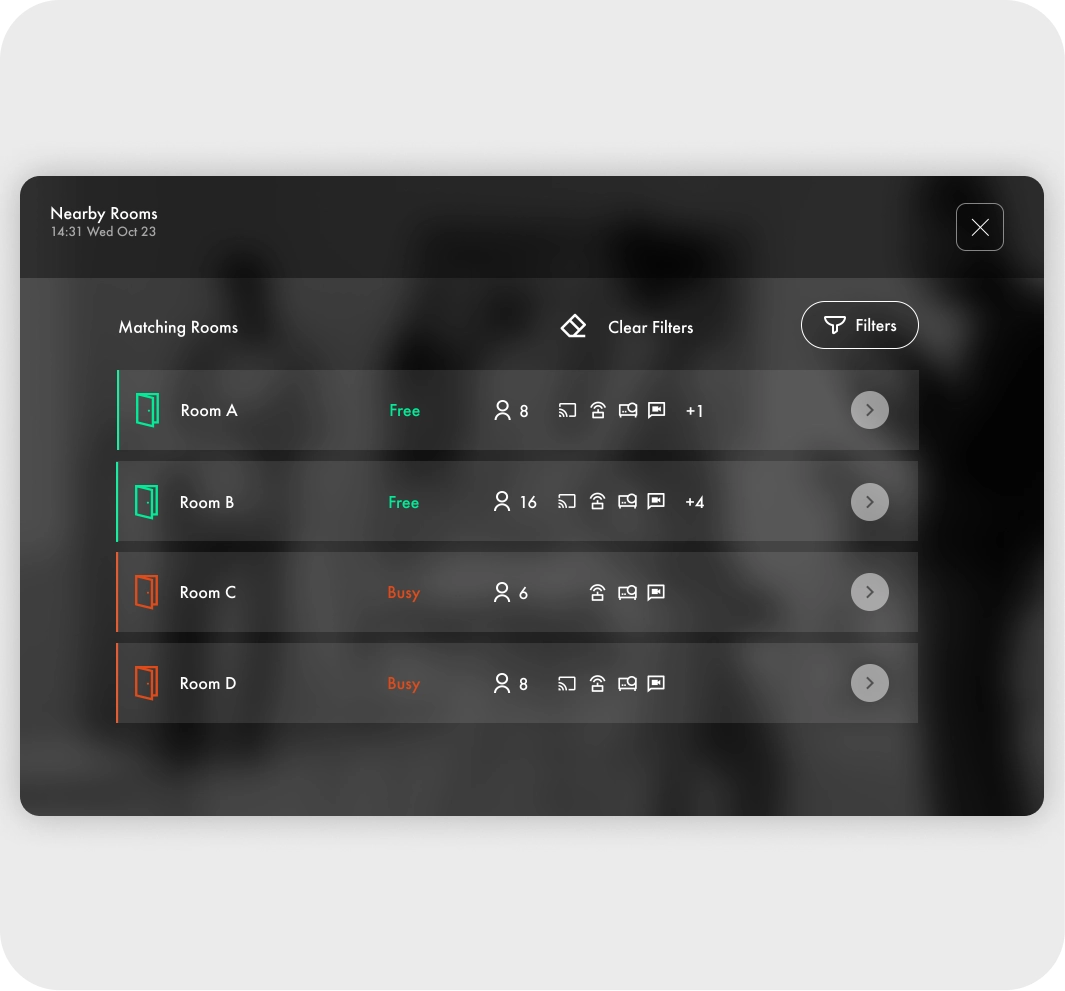
Nearby rooms

Find other meeting spaces

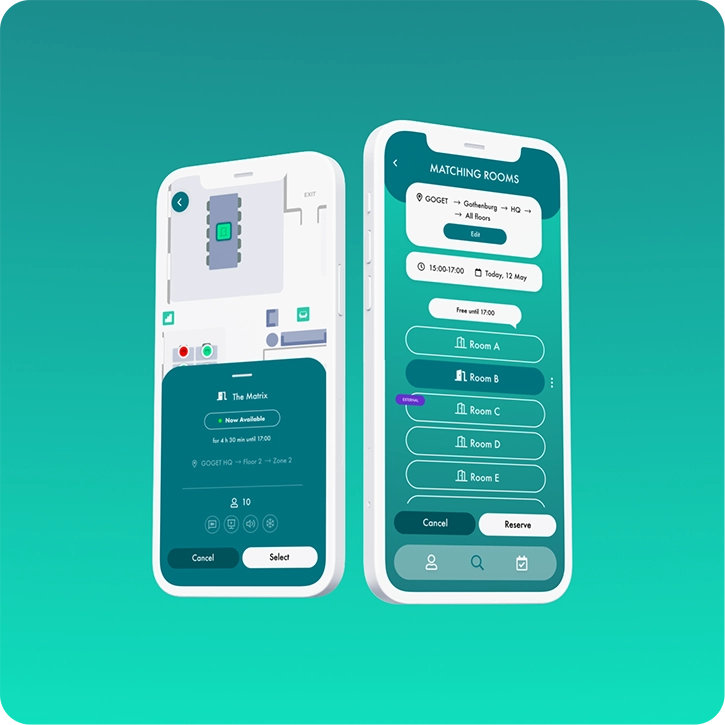
See and manage bookings for other rooms in the office, right at the display. Find and filter rooms based on capabilities and seating capacity.

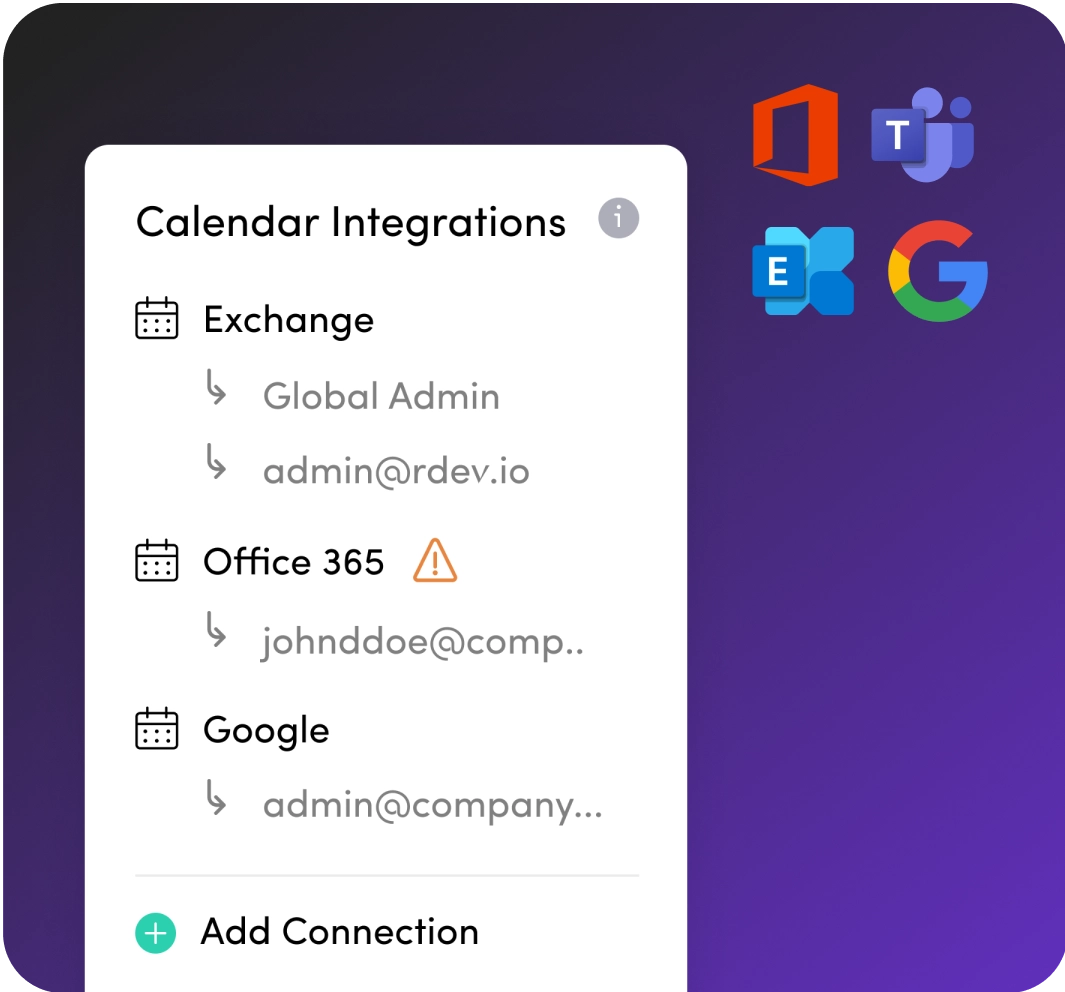
Multi-tenant

Add calendar integrations as you need

Support for multiple Google Workspace & Microsoft 365 calendar integrations in one account. Enjoy full flexibility to book across tenants, including across calendar providers thanks to GOGET’s agnostic room booking capabilities. No server software is required.

Organize visually

Manage room locations freely

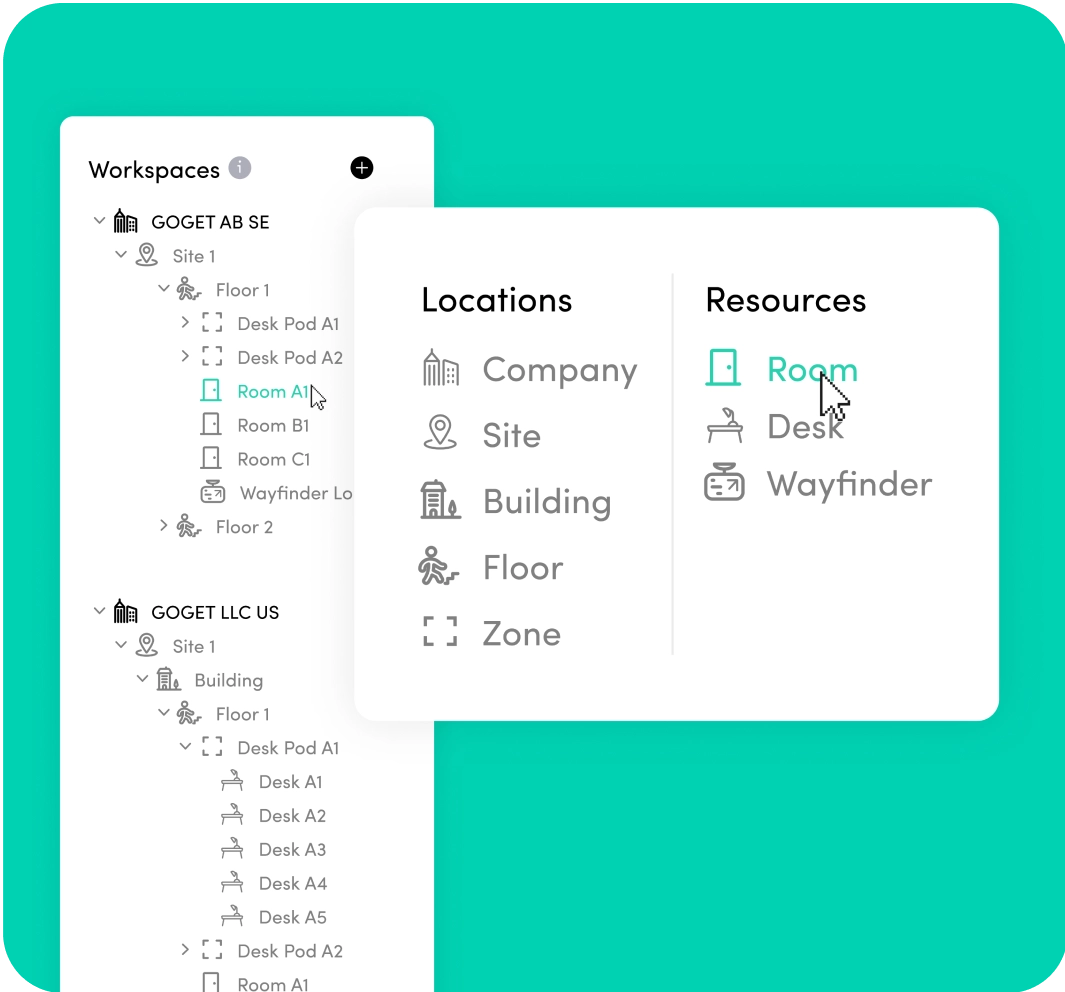
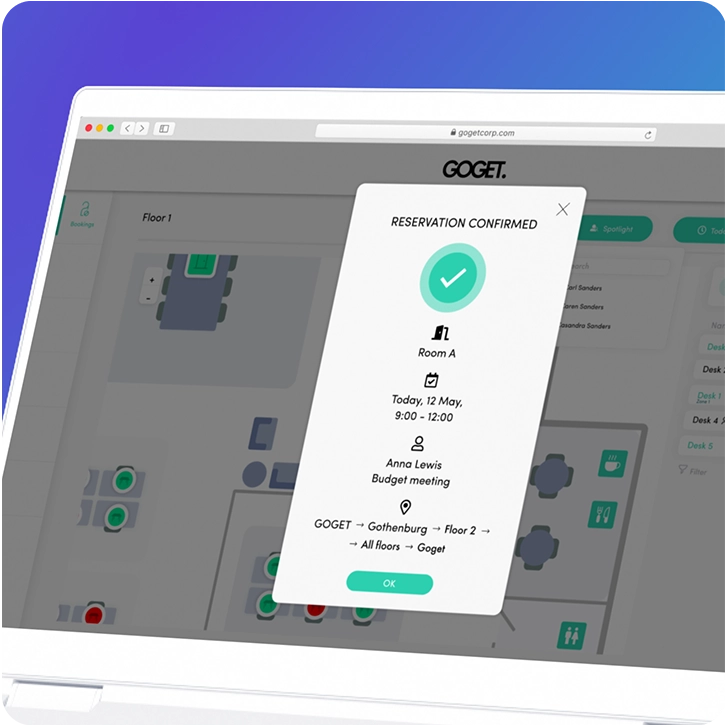
Thanks to the platform’s unique location-based workspace structuring system, rooms can be organized freely to exactly match your location structure, allowing for effortless structuring, ease-of-navigation, and management of meeting spaces for admins and employees.

Central admin portal

Advanced remote management

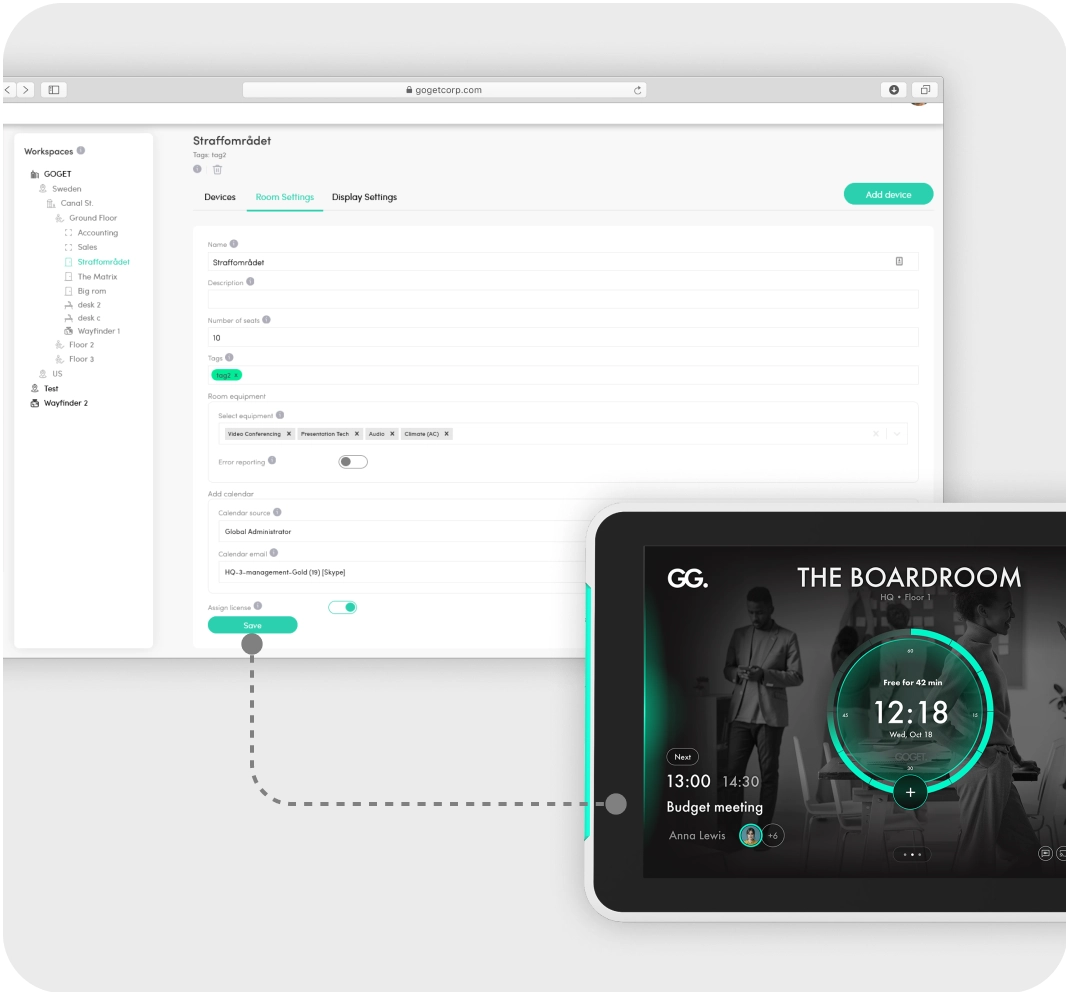
Manage settings for rooms and devices in the comfort of your remote location, thanks to unprecedented IoT capabilities normally not found in a room scheduling system.

Free-up time for the things that matter

Caters to Admins

What if you could get more done instead of being bogged down by complicated and time-consuming setup processes?

With GOGET, you can. Leverage smart technology that guides you through the process step-by-step and make it easy to get up and running in no time.

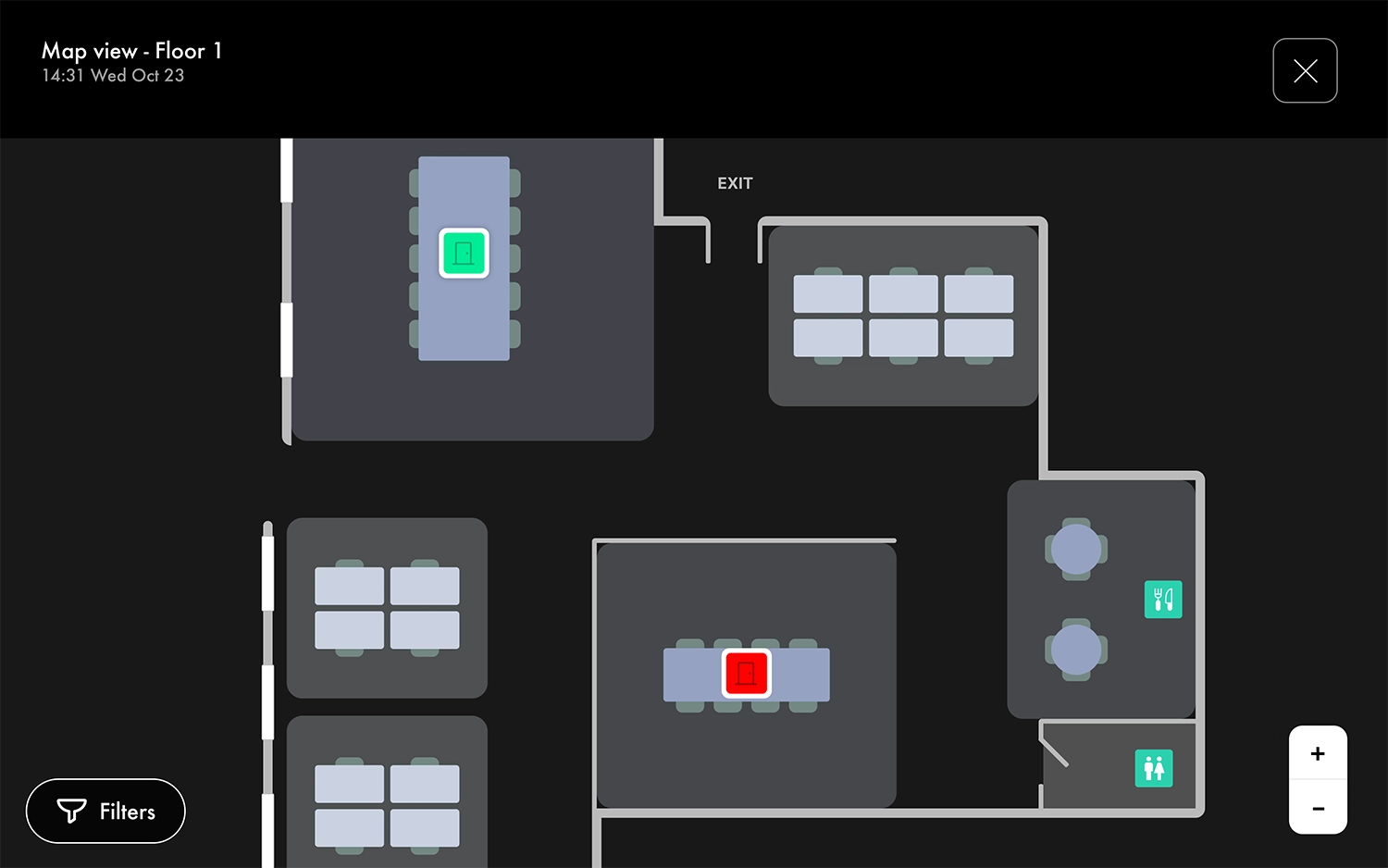
An interactive office map where users get an instant overview of the occupancy of the desks and rooms on the office floor.
Maps

With RDX’s powerful map view, users can easily see an overview of available meeting spaces and desks, allowing them to quickly look up and book rooms based on their seating and capabilities preferences.

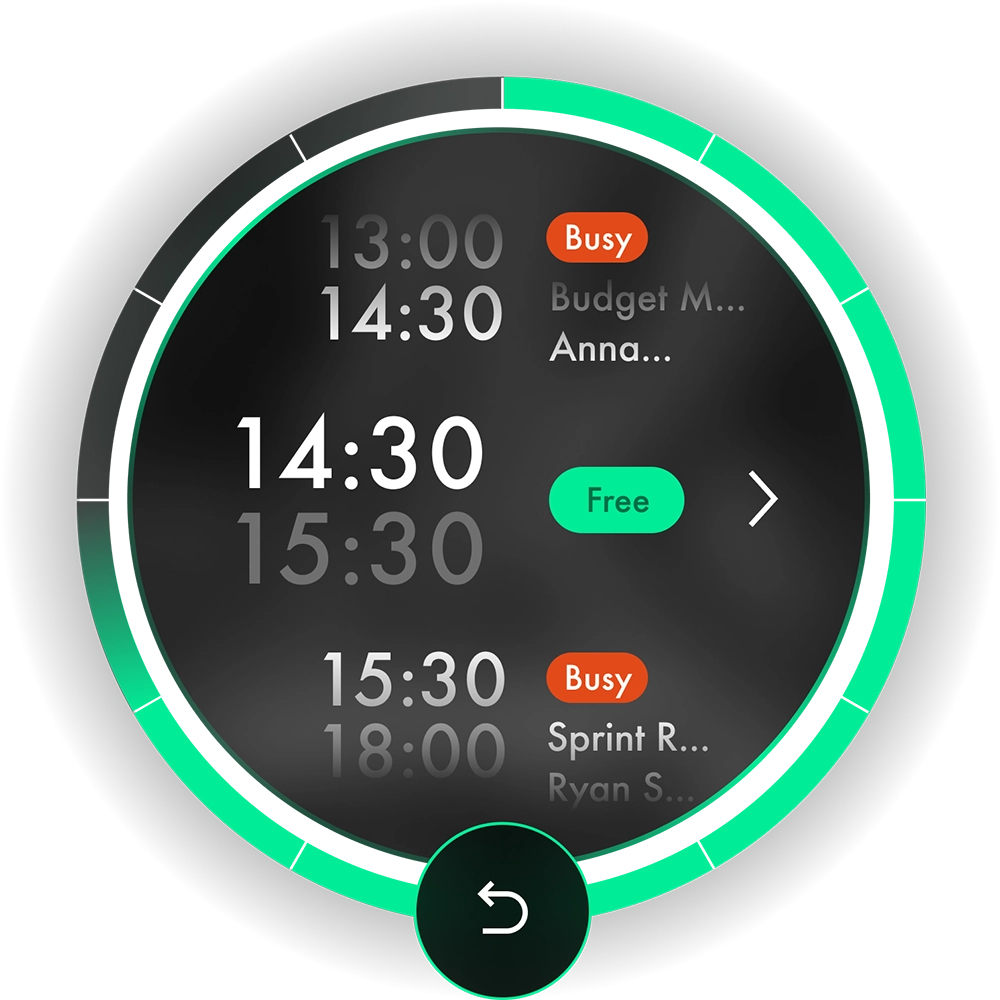
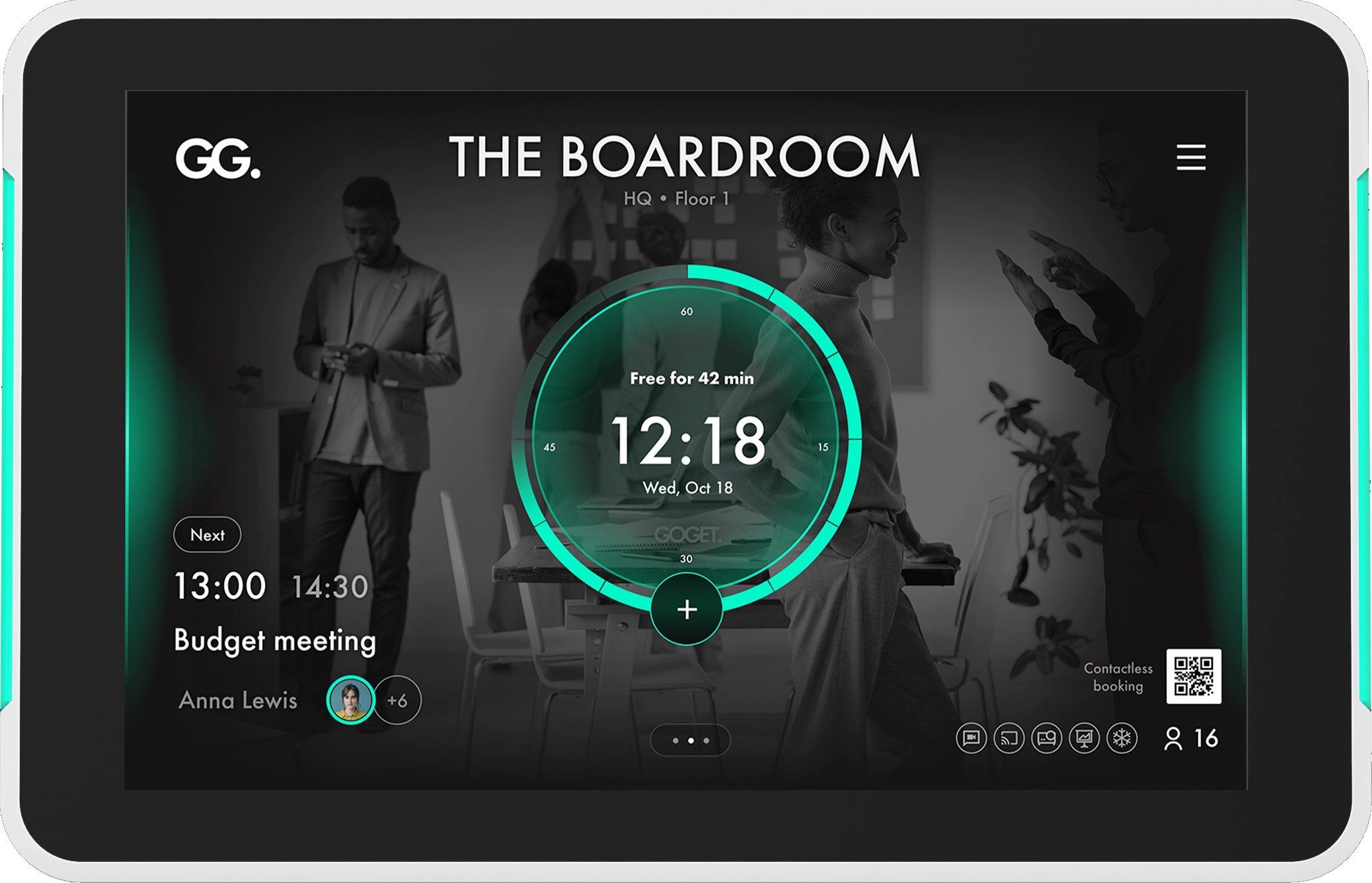
The scroll-able clock widget in a meeting room display app, where users can find and book an available time slot.
Signature RDX widget

The RDX widget allows users to scroll through daily events and find an available slot in which to book a meeting. In addition, it features time sectors to visually represent the amount of time remaining.

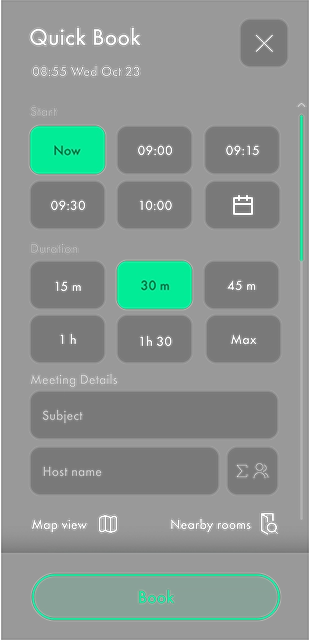
The quick book feature in a conference room display app, where users instantaneously can book ad-hoc meetings.
Smart Quick Book

Makes it easy for users to instantly book an ad-hoc meeting. The system will suggest intelligence-based meeting slots based on the current booking situation, to optimize overall usage of a room.

Additional features

More ways to manage room bookings

Meeting space
Eco-system

Manage your meeting spaces from anywhere with GOGET. In addition to room booking panels, our powerful multi-level API integrations enable users to plan and schedule meeting spaces in a variety of ways.

On the go
Mobile
via desktop
Outlook, GOOGLE & GOGET USER Dashboard
Centralized screens
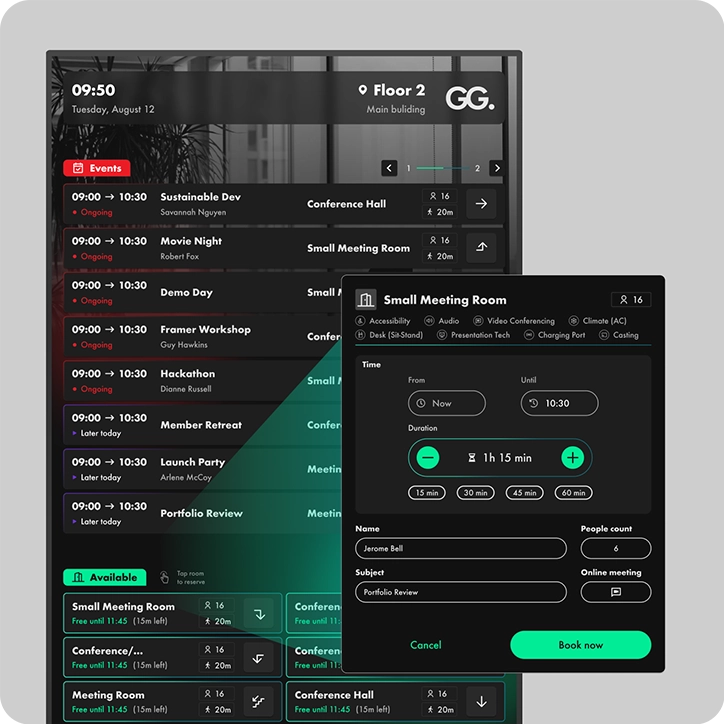
Wayfinder with booking capabilities
Boosting top line with data

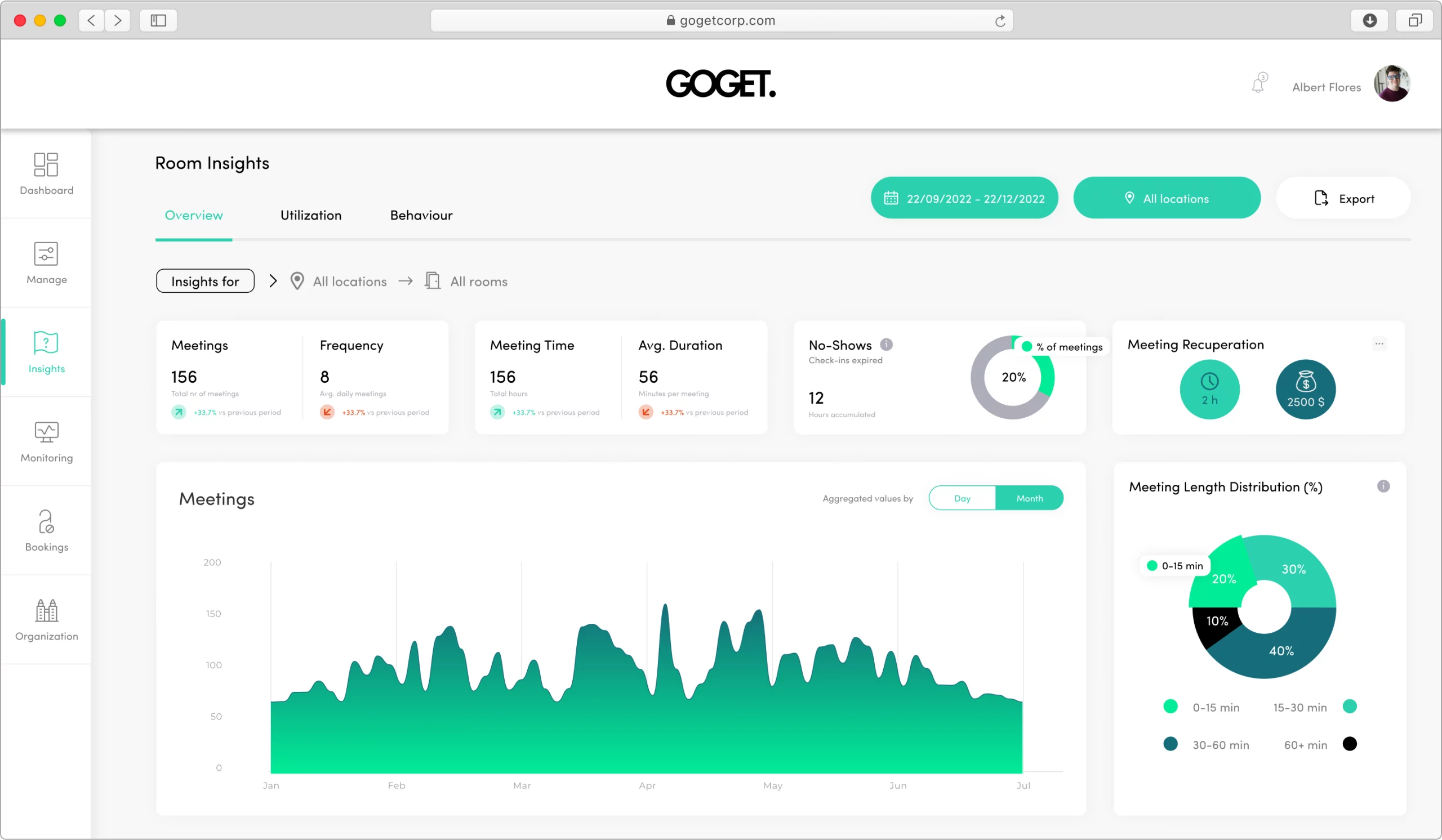
Drive better decisions with room insights

Thanks to GOGET’s powerful data engine, companies can gain a deeper understanding of how their meeting rooms are being used, which can help them to make informed decisions about room usage. For example, a company might use room insights to identify underutilized meeting rooms, which could then be repurposed or made available for booking by other teams.

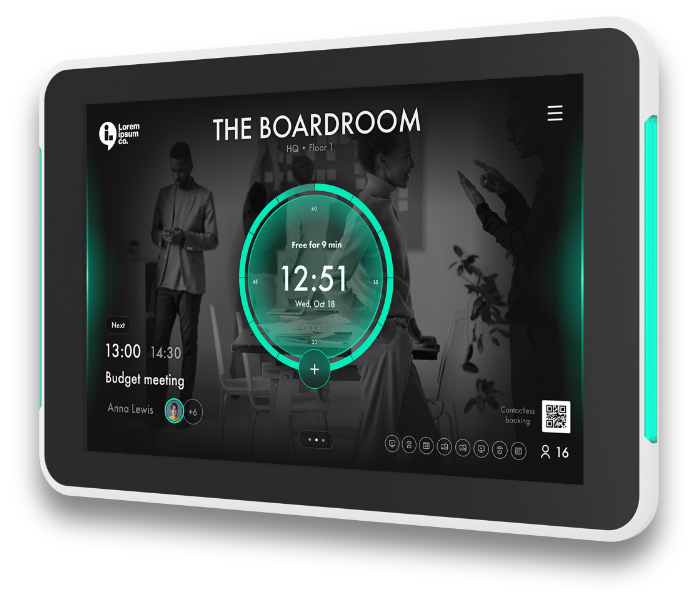
The Goget One meeting room display. A professional grade display with an unbeatable price.
The perfect partner for Room Display X

GOGET One.

A turnkey, plug and play room scheduler that includes GOGET’s hardware, firmware and system software Room Display X for unprecedented performance and minimal time for installation. Discover our GOGET One device with the specs typically required by businesses – and more. All at an unbeatable price.

Turnkey or BYOD?

A tablet running a conference room booking app showing the availability and calendar of a meeting room as well as the room capacity and equipment.
turnkey - easy. professional. affordable.

The easy, professional and most economic option. Easy, because everything is included in the box – just plug and play. Professional, because it comes with pro-features like PoE, LED bars and integrated wall mount. Economic, because it’s reasonably priced in the first place, and on top of that comes pre-configured which saves hours of labour in installation and maintenance.

A generic, consumer grade Android Tablet running GoGet's room booking app.
Bring your own device (BYOD) - Android

If you are not convinced about the benefits of the GOGET One turnkey solution – don’t worry. GOGET still caters to those DIYs out there who prefer to cherry-pick their very own favourite hardware/software/mount bundles and configure from scratch. It’s possible to install RDX on third-party devices running Android OS. For technical recommendations and instructions, please refer to the Help Center.

Room booking features & plans

COMPARE VERSIONS

Basic

For companies with basic needs and up to 5 rooms
For up to 5 rooms

Business

For businesses in need of scalable hybrid workspace management ​
Unlimited rooms

Pro

For enterprise-grade hybrid workspace managment at scale!​
Unlimited rooms
FeatureBasicBusinessPro
Number of roomsUp to max 5UnlimitedUnlimited
Essential Room Booking
Google Workspace & Microsoft 365 integrations
Central admin dashboard
On-screen reservations
Check-in with auto room release
Organize rooms freely in companies/sites/buildings/floors/zones
Support by tickets
Room equipment
Room equipment with error reporting
Advanced Room Booking
Custom branding
Nearby rooms
QR scan
Room booking via mobile app (users required)
Interactive map views
Room analytics & insights
Add-ons available
Multi-tenancy calendar integrations
Export analytics data
Priority support within 12 hours
Dedicated Customer Success Manager

Resources & Downloads

Product Sheet

Getting Started & Technical Support

Ready to experience how GOGET can improve your workspaces?

Try it yourself!

Have a question?

FAQ