Table of Contents
- Why Sharing a Physical Meeting Room Between Companies Gets Complicated
- Physical Room, Room Resource, and Tenant: Three Terms to Understand
- Three Main Ways to Share Meeting Rooms Between Organizations
- Why Mixed Microsoft 365 and Google Workspace Environments Are Harder
- What Should IT and Facilities Evaluate Before Choosing an Approach?
- How GOGET Approaches Shared Meeting Rooms Across Organizations
- The Best Shared-Room Experience Hides the Tenant Architecture From Employees
Two companies share an office. They share the kitchen, reception area, and five meeting rooms. But one company uses its own Microsoft 365 environment and the other uses a separate Google Workspace account.
Who owns the meeting-room availability?
That question sounds simpler than it is.
A physical meeting room exists only once. In the calendar world, however, the same room may need to be represented inside several independent organizations, each with its own users, permissions, directory, and room calendars.
The practical goal is straightforward: employees should be able to book a shared meeting room from the calendar they already use, without needing to understand which tenant or organization owns the room behind the scenes.
There are several ways to share meeting rooms between companies. The right approach depends on whether you only need external users to request a centrally owned room, need calendar visibility between compatible organizations, or want each company to keep its own room resource while availability stays synchronized.
This guide explains the differences.
Why Sharing a Physical Meeting Room Between Companies Gets Complicated
Consider a room called Stockholm shared by Company A and Company B.
Company A uses Microsoft 365. Its IT team creates:
stockholm@companya.com
Company B uses Google Workspace. Its IT team creates:
stockholm@companyb.com
Both calendars refer to the same physical meeting room.
The problem is that neither calendar automatically knows what has happened in the other one.
If an employee at Company A books the room from Outlook, Company A’s resource becomes busy. Unless the two environments have been connected in some way, Company B’s Google Calendar resource may still show the physical room as available.
That is how one room can become two independent digital resources and potentially receive two bookings for the same time.
This situation is relevant anywhere physical space crosses organizational boundaries, including:
- coworking and flexible-office environments;
- landlords offering shared meeting rooms to tenants;
- subsidiaries operating separate Microsoft 365 tenants;
- companies going through mergers or acquisitions;
- project offices shared by partner organizations; and
- businesses running both Microsoft 365 and Google Workspace environments.
The technical challenge is not really sharing a room. It is establishing a reliable relationship between separate calendar representations of that room.
Physical Room, Room Resource, and Tenant: Three Terms to Understand
Before comparing the options, it helps to separate three concepts.
Physical meeting room
This is the actual space people walk into: Stockholm, Boardroom A, Dream, Conference Room 2, or whatever the organization calls it.
There should ultimately be only one answer to the question: Is this room available at 10:00?
Room resource calendar
A room resource is the calendar-system representation of that physical space.
Microsoft 365 uses room mailboxes or room resources, while Google Workspace lets organizations configure rooms and other Calendar resources. Employees can then select or add the room when scheduling a meeting.
Calendar tenant or organization
A tenant is the organization’s separate Microsoft 365 or Google Workspace environment.
Company A and Company B may occupy the same floor without sharing identities, directories, users, security policies, or calendar administration.
That separation is usually intentional. Sharing a meeting room should not automatically require companies to merge their wider IT environments.
Three Main Ways to Share Meeting Rooms Between Organizations
At a high level, most implementations fall into three models.
| Model | How it works | Best suited to |
|---|---|---|
| 1. One organization owns the room | One central room resource accepts bookings from external users. | Simpler shared offices where one organization clearly owns and administers the rooms. |
| 2. Calendar/provider interoperability | Calendar platforms share availability or expose resources across organizational boundaries. | Compatible environments where native provider capabilities meet the required booking workflow. |
| 3. Synchronized organization-specific room resources | Each organization keeps its own resource for the same physical room and a coordination layer synchronizes availability. | Multi-tenant environments, especially where native booking workflows or multiple calendar providers need to be preserved. |
The important point is that these approaches are not interchangeable.
Model 1: One Organization Owns the Shared Room Resource
The simplest model is to nominate one organization as the owner of the room calendar.
For example:
Physical room: Stockholm
Calendar owner: Company A
Resource:
stockholm@companya.com
Company B then books Company A’s resource as an external user.
For example, Microsoft Exchange Online can be configured so that a room mailbox processes meeting requests from organizers outside its Exchange environment.
GOGET has also documented a Microsoft 365 coworking configuration based on this approach: one company owns the resources while users from the other organizations invite those room addresses externally.
One limitation is that the external employee may need to know the room’s email address instead of finding and booking the room through the same room-discovery experience available inside the owning organization.
This architecture can make sense when:
- one landlord or company clearly controls the rooms;
- all other companies are comfortable booking an externally owned resource;
- administrators can distribute the relevant room addresses; and
- preserving an identical native room-discovery experience in every tenant is not essential.
Its main advantage is architectural simplicity: there is one authoritative room calendar.
The tradeoff is firstly user experience. An external room can behave differently from the meeting rooms employees normally select inside their own organization. Secondly allowing the room mailbox to process external meeting requests also means that anyone who knows the room’s email address may be able to send it a meeting invitation. Microsoft 365’s anti-spam and mail-flow controls can help reduce unwanted requests, but limiting external booking to trusted organizations or senders introduces additional configuration and administration.
Model 2: Use Calendar-Provider Sharing and Cross-Tenant Capabilities
Another approach is to use interoperability provided by the calendar platforms themselves.
Microsoft 365 to Microsoft 365
Exchange Online supports organization relationships that can allow separate Microsoft 365 organizations to exchange calendar free/busy information. Administrators can control how much calendar information is shared.
That solves an important part of the problem: understanding whether people or resources in another organization are available.
However, seeing availability and providing a complete meeting-room booking workflow are not exactly the same thing.
Depending on the architecture, administrators may also need to address:
- room-resource discovery;
- external meeting processing;
- directory visibility;
- booking responses; and
- how employees find the shared room in Outlook.
Microsoft is also developing more specific cross-tenant room-booking capabilities for Microsoft 365 Multi-Tenant Organizations. Microsoft documentation published in 2026 describes cross-tenant room discovery and booking involving synchronized meeting-room objects, cross-tenant booking-response configuration, and free/busy sharing.
At the time of writing, Microsoft identifies this capability as Private Preview. Organizations considering this architecture should therefore verify its current availability, licensing, and technical requirements directly with Microsoft before designing a production deployment around it.
For organizations already operating inside a Microsoft Multi-Tenant Organization, this direction may be particularly relevant.
For unrelated businesses simply sharing an office—or for workplaces involving both Microsoft 365 and Google Workspace—the situation is different.
Google Workspace to Google Workspace
Google Calendar supports sharing calendars outside an organization with different permission levels, including free/busy visibility where administrators allow external sharing.
Google’s normal room-booking workflow, however, centers on rooms and resources configured for the user’s organization.
That distinction matters.
Giving another organization access to a calendar may provide visibility or editing rights, but workplace and IT teams should test the complete employee experience:
- Can employees discover the room easily?
- Does it appear where they expect meeting rooms to appear?
- Can the resource automatically accept or reject bookings?
- What meeting information is shared outside the organization?
- What happens when a booking is changed or cancelled?
The objective is not simply to make a calendar visible. It is to make the shared physical meeting room behave predictably for every participating organization.
Model 3: Give Each Organization Its Own Room Resource and Synchronize Them
The third model takes a different approach.
Instead of asking every company to book one organization’s calendar, each participating company maintains a room resource inside its own calendar environment.
For example:
One physical room: Stockholm
- Company A:
stockholm@companya.com - Company B:
stockholm@companyb.com - Company C:
stockholm@companyc.com
A synchronization layer connects those calendars because they all represent the same physical space.
When Company A books Stockholm, the corresponding time is blocked in the calendars used by Companies B and C.
Employees do not need to think about any of this. They simply select Stockholm from the calendar environment they already use.
For the employee, there is one familiar meeting room.
For IT, there are multiple calendar objects whose availability has to represent one shared physical truth.
This architecture becomes particularly useful when organizations want to preserve their own room-booking experience rather than asking employees to book resources owned by somebody else’s tenant.
Why Mixed Microsoft 365 and Google Workspace Environments Are Harder
The differences become more visible when one company uses Microsoft 365 and another uses Google Workspace.
Both platforms support calendars, resource booking, invitations, availability, and external sharing. But they do not share the same tenant model, room directory, resource-discovery mechanisms, permissions model, or administration layer.
That means there is no single Microsoft-to-Google equivalent of a Microsoft 365 organization relationship that turns the two environments into one common room directory.
A synchronization architecture can instead treat each provider’s room calendar as a representation of the same physical resource.
For example:
- A Microsoft 365 user books Stockholm in Outlook.
- The Microsoft room resource becomes reserved.
- The same period is reflected in the linked Google Workspace room resource.
- Google users therefore see Stockholm as unavailable.
- If a Google user later books the room, the corresponding period is reflected in the Microsoft environment.
The calendar systems remain separate. The physical-room availability does not.
This is an important difference between calendar integration and room-calendar synchronization.
What Should IT and Facilities Evaluate Before Choosing an Approach?
Before deciding how to share meeting rooms between companies, start with the employee experience you want to preserve.
- Should employees book from their existing Outlook, Teams, or Google Calendar workflow?
If yes, a centrally owned external resource may introduce more friction than organization-specific room calendars. - Does every company use the same calendar provider?
A Microsoft-only environment may have provider-native options that do not apply to a Microsoft 365 and Google Workspace combination. - Does each company need its own representation of the room?
If each tenant needs the room to behave like one of its normal resources, synchronization becomes more relevant. - How should meeting details be protected between companies?
Other organizations usually need to know that a room is busy—not necessarily who is meeting or what the meeting is about. - What happens when meetings change?
Evaluate creation, rescheduling, cancellation, recurring meetings, and conflicts rather than testing only a simple one-off booking. - Who administers the shared room environment?
A coworking operator, landlord, IT department, or shared-services team needs ownership of configuration and troubleshooting.
The technology should fit the operating model rather than forcing the operating model to fit the technology.
How GOGET Approaches Shared Meeting Rooms Across Organizations
GOGET’s Cross-Organization Shared Room Calendars uses the synchronized-resource model.
A single physical room in GOGET can be connected to room resource calendars from different participating organizations. The first calendar assigned to the room is the main calendar, while additional eligible Microsoft 365 or Google Workspace room calendars can be configured as cross-organization calendars.
For example, the same physical room could be represented by:
- Company A’s Microsoft 365 room calendar;
- Company B’s Microsoft 365 room calendar; and
- Company C’s Google Workspace room calendar.
Employees can continue booking from their own Outlook, Teams, or Google Calendar environment.
When one participating organization books the room, GOGET mirrors the booking to the other linked room calendars so that the physical room is blocked for the same period across the participating organizations.
Mirrored events are marked private by default. This helps separate availability information from meeting information when different companies share the same physical space. Administrators can change this behavior when appropriate, although keeping crossed events private is recommended when meeting information should not be exposed between organizations.
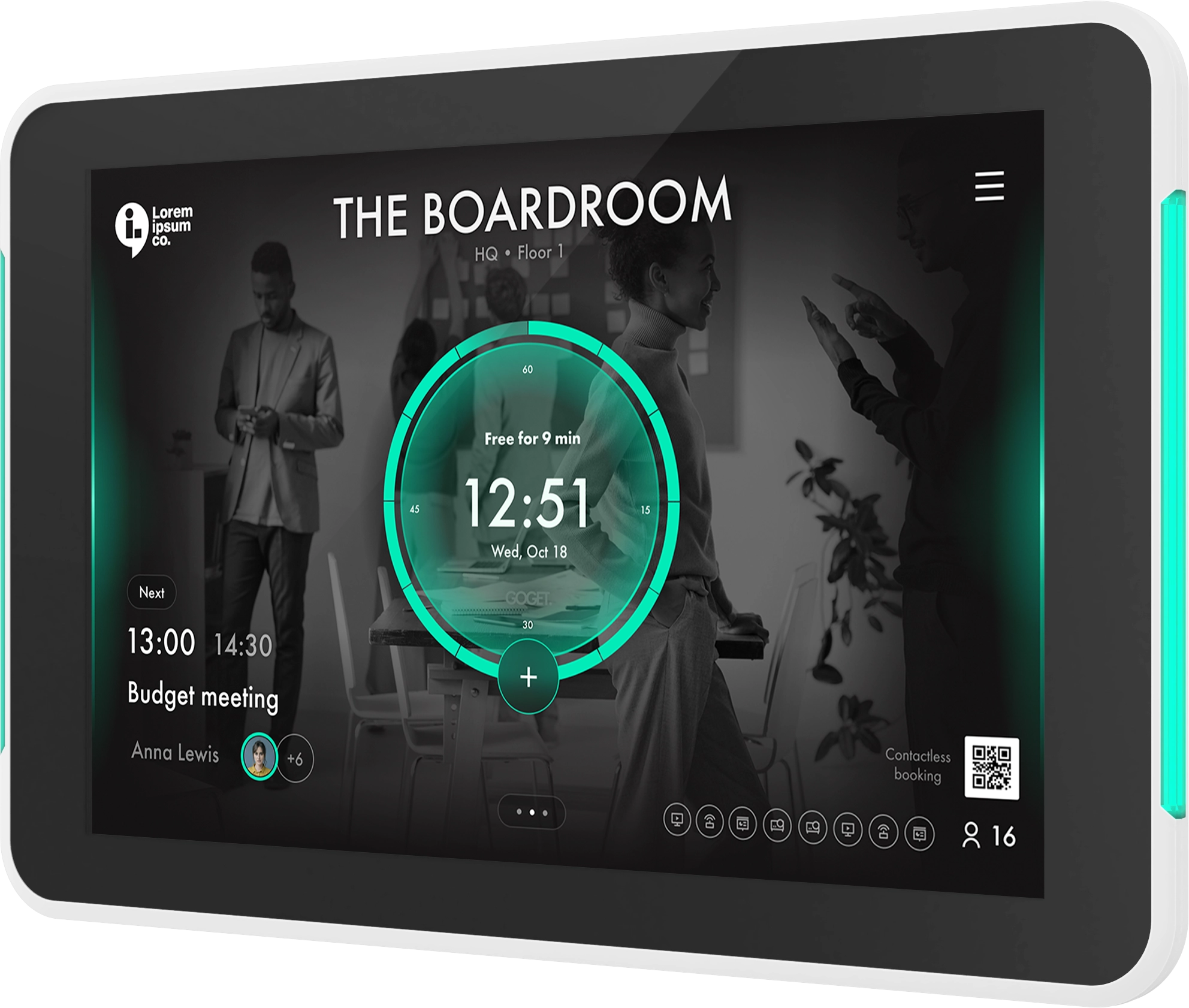
If Room Display X is assigned to the shared room, it uses the synchronized room availability. Reservations made directly from the room display are also synchronized across the linked calendars.
Current GOGET documentation supports Microsoft 365 and Google Workspace room calendars for Cross-Organization Shared Room Calendars. Exchange EWS integrations cannot currently be selected as cross-organization calendars.
The feature also requires the Cross-Organization Shared Room Calendars add-on to be enabled.
This should not be thought of as universal calendar federation. It solves a more specific workplace problem: keeping multiple supported room-resource calendars aligned when they represent the same physical meeting room.
The Best Shared-Room Experience Hides the Tenant Architecture From Employees
There is no single architecture that fits every shared office.
If one company owns the meeting rooms and occasional external booking is acceptable, allowing outside users to reserve that company’s resources may be enough.
If the companies are closely connected Microsoft 365 tenants, Microsoft’s cross-tenant capabilities are worth evaluating.
But when several independent organizations need to treat the same physical rooms as part of their normal workplace—and especially when Microsoft 365 and Google Workspace coexist—the central challenge is different:
How do you give every employee a familiar booking experience while maintaining one consistent availability state for the physical meeting room?
For employees, the ideal answer is almost invisible.
They open Outlook, Teams, or Google Calendar. They choose the meeting room. They book it.
The calendar architecture required to make that possible should remain an IT concern, not an employee task.
Want to see how this works in practice? Learn more about GOGET’s shared-room booking capabilities or book a demo to explore how separate Microsoft 365 and Google Workspace environments can share the same physical meeting rooms.